
커스텀 스킨 사용 방법
GIMI가 cmd에 `echo off`를 표시하면, `숫자패드 0`로 삭제할 수 있으며, `d3dx.ini`에서 `hunting=`을 검색한 뒤 `0`으로 설정할 수도 있습니다.
Korepi에서 커스텀 스킨을 사용하는 방법
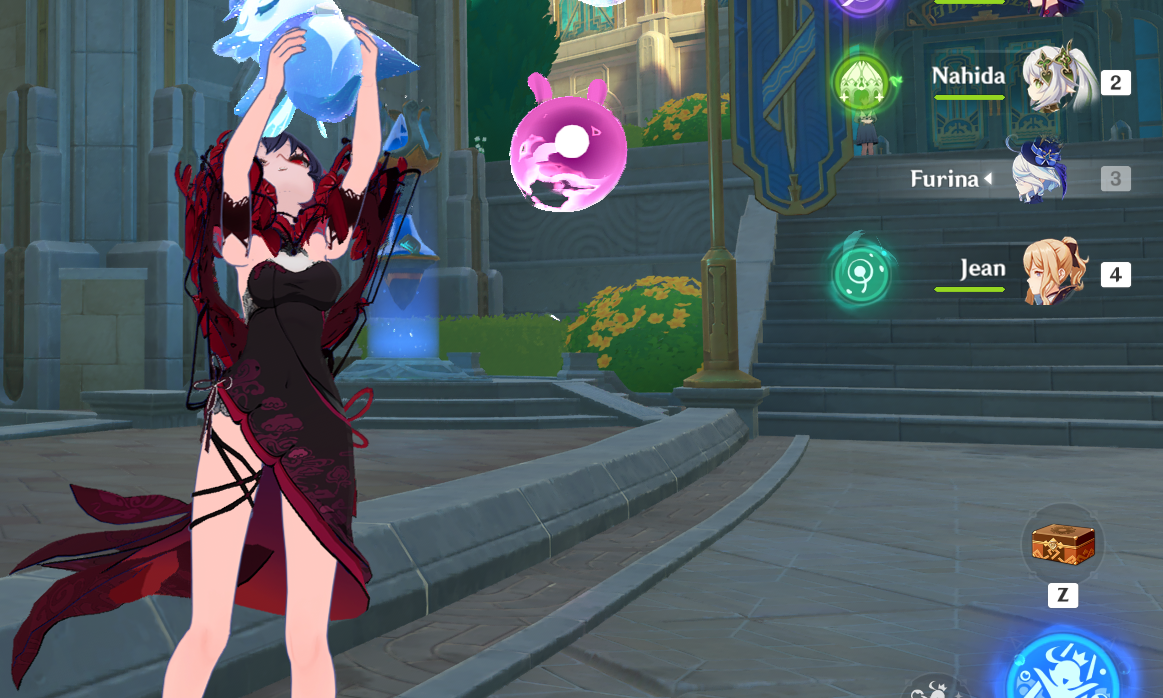 커스텀 스킨을 사용하려면
 3DMigoto(GIMI)를 설치해야 합니다.
Method 1
1단계: GIMI 다운로드
Download GIMI in their oficial Github and download the file named: 3dmigoto-GIMI-for-playing-mods.zip.

Step 2: Extract GIMI into a folder
After downloading GIMI, we will need to extract it into any folder of your choice, inside that folder you will find d3d11.dll, we will copy the path and add /d3d11.dll to the end, for example:
"path/d3d11.dll"
Step 3: Add GIMI to Korepi
To do this we will need to add the next lines in cfg.ini inside korepi folder.
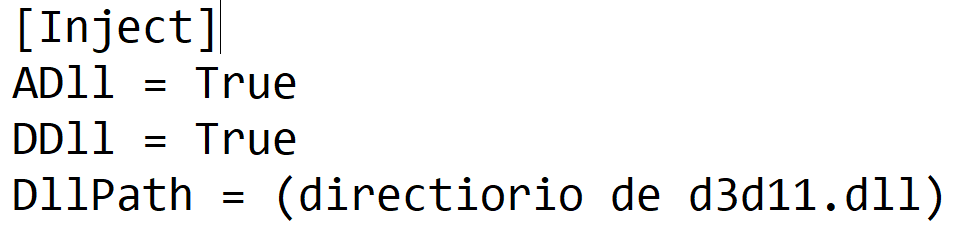
On DllPath we will paste the path we copied in the last step.

Step 4: Open Korepi
If you followed the steps right, Korepi should launch with GIMI every time.
Method 2
Step 1: Download GIMI
Download GIMI in their oficial Github and download the file named: 3dmigoto-GIMI-for-playing-mods.zip.
Step 2: Extract GIMI into a folder
After downloading GIMI, we will need to extract it into any folder of your choice, inside that folder you will find 3DMigoto Loader.exe, we will run this file first.
Step 4: Open Korepi
After running GIMI, we will run Korepi, GIMI will be loaded with Korepi after this, you will need to repeat these steps every time you want to launch Korepi with GIMI.