
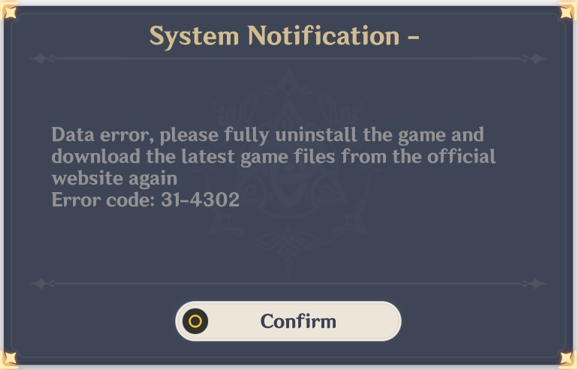
Error 31-4302
Less than 1 minuteGuideStart
How to solve the error 31-4302
Method 1
If your game folder contains non-original files, this prompt might appear for you. Check that theres only original files like the next example:
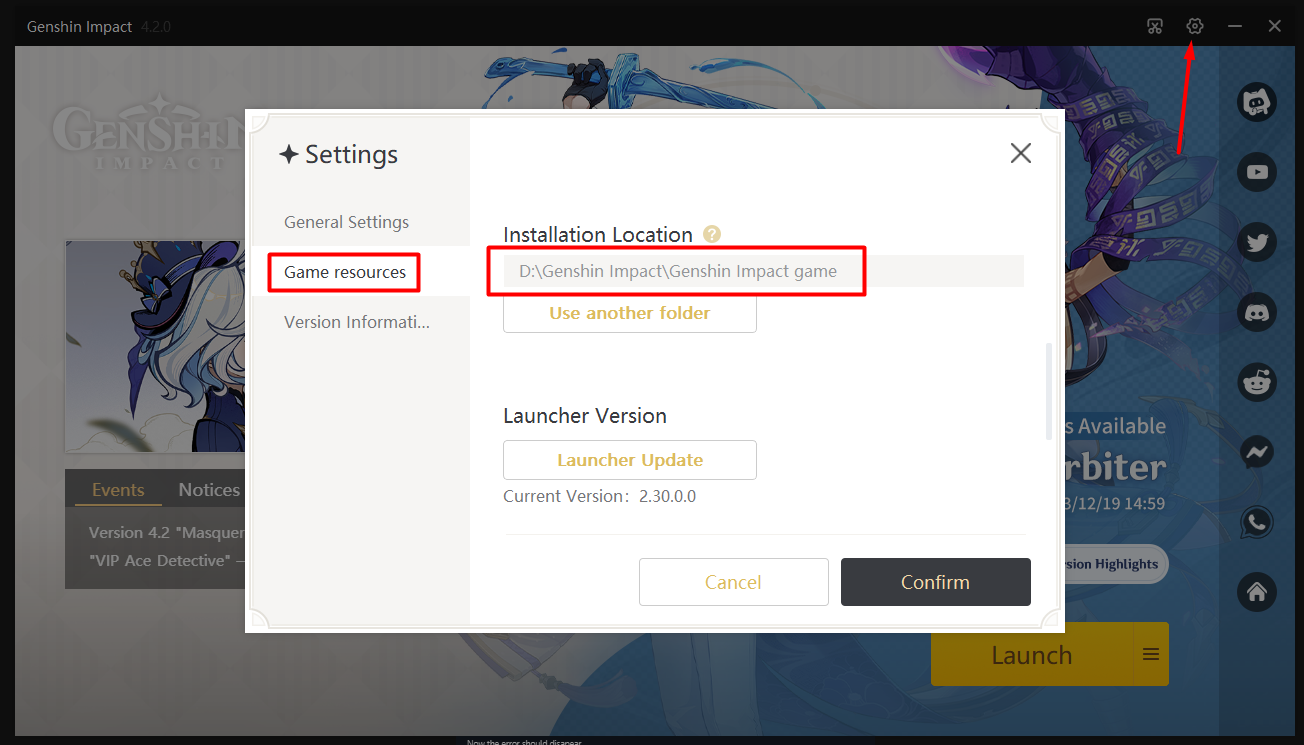
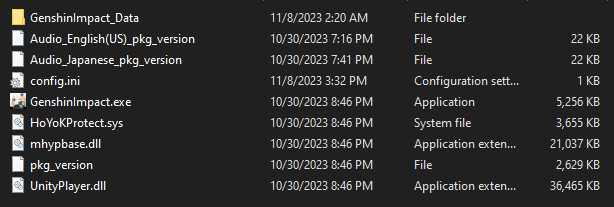
If you keep getting the error in-game even after deleting the files continue reading.
Method 2
Go to your Korepi, go to Settings --> Other.
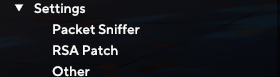
Find Bypass Intengrity and uncheck it.

Now the error should disapear.
What if i can't enter Korepi
Head to your Korepi folder and find cfg.json, and click CTRL + F, type bypass and search, set the value to false and open Korepi.
Method 3
Go to the game launcher and click on repair files. After that log into the game without Korepi. If everything works fine, try opening with Korepi once again.
What if nothing works?
You have to reinstall the game.